Clips
Choose the clip. Keep the captions.
Review each moment, keep or trim it, and bring its captions along.
At launch
Departments · Film and video
Start with one sentence and a style. The Desk drafts the script and each shot, with camera moves, dialogue and action ready for your review.
The Desk is not out yet. Leave your email and we’ll let you know when it opens.
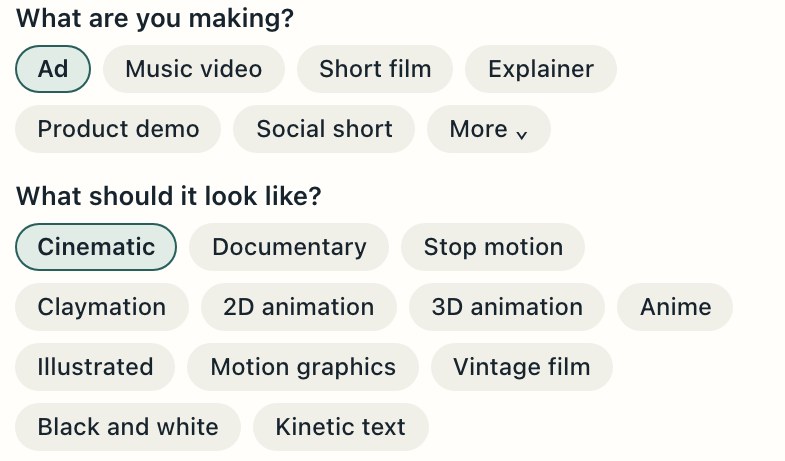
Set the style
Choose the look. Review the cost before anything is made.
You, a fictional character, or someone with proof of consent, using your recording or a stock voice.
Soft motivated light, deep shadows, a 35mm lens, gentle film grain.
Natural light, handheld at eye level, real places, nothing staged.
Handmade miniature sets and puppets, warm lamps, felt, paper and wood.
Sculpted clay figures with fingerprints in the clay, on a tabletop set.
Clean hand drawn lines, flat color, painted backgrounds.
Rounded characters, soft global light, smooth surfaces.
Crisp ink outlines, cel shading, vivid sky gradients, dramatic light.
A moving storybook painting, visible brush and pencil on paper.
Clean vector shapes and bold type, smooth eased moves.
Warm faded color, heavy 16mm grain, flicker and gate weave.
High contrast monochrome, hard side light, fine silver grain.
Bold type, words timed to the voice or the beat, clean cuts.
Step 1
One sentence in, seven shots out
A 30 second ad about running a company of one with The Desk
Answer what you can, or skip the questions. Who is it for? What should viewers do next?
Seven shots from one sentence, each with camera direction. Example.
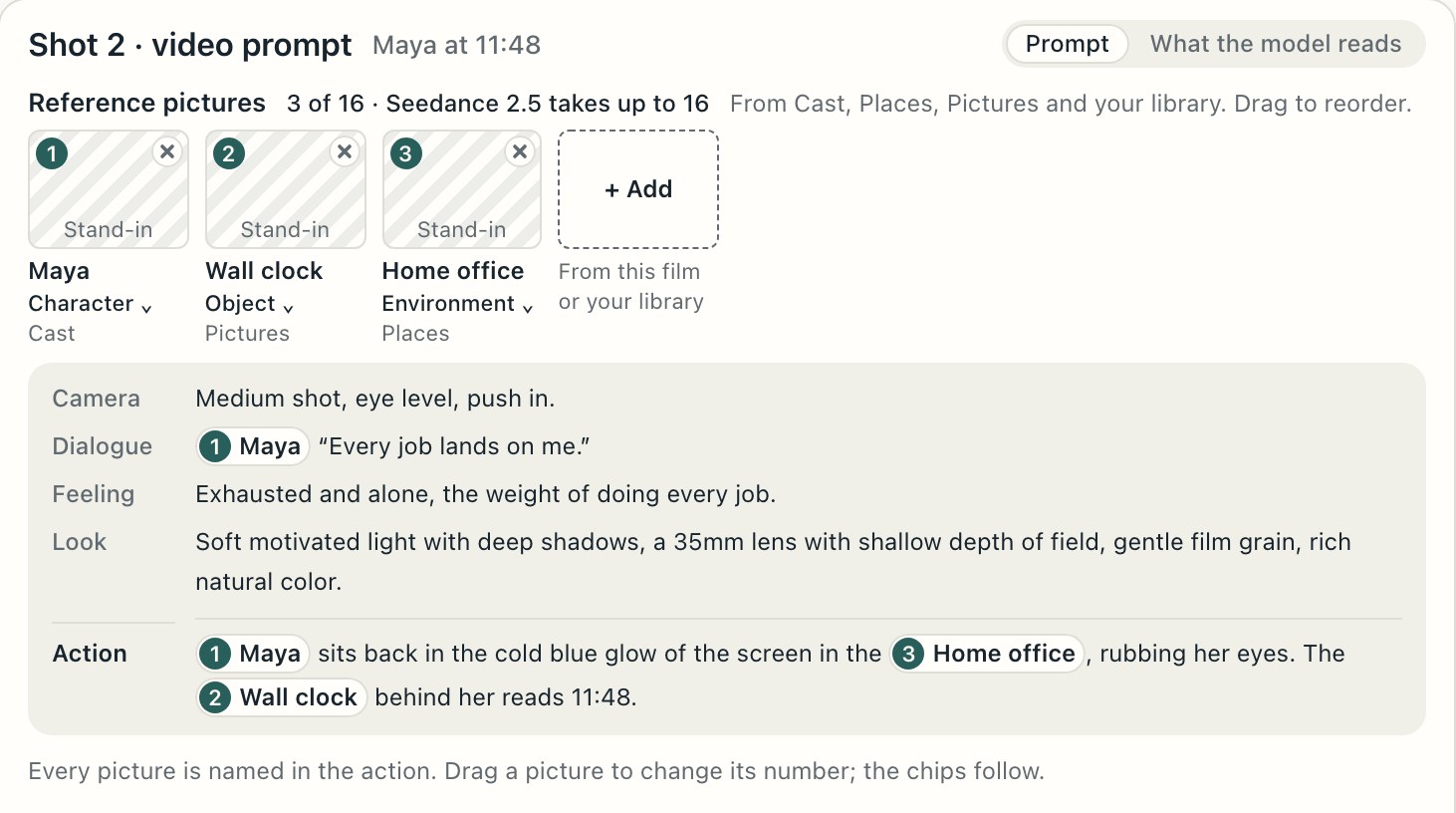
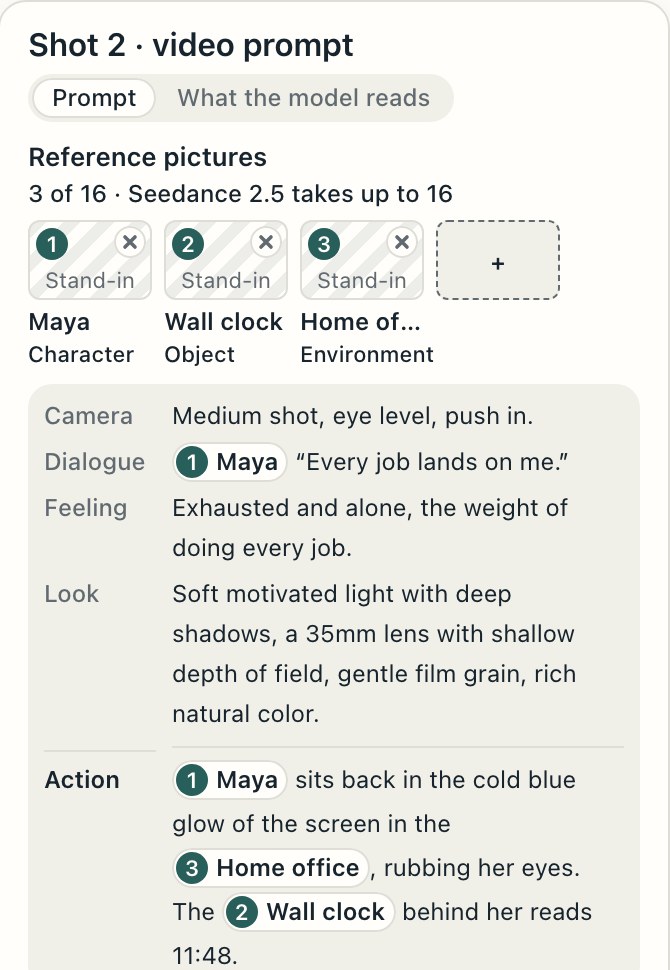
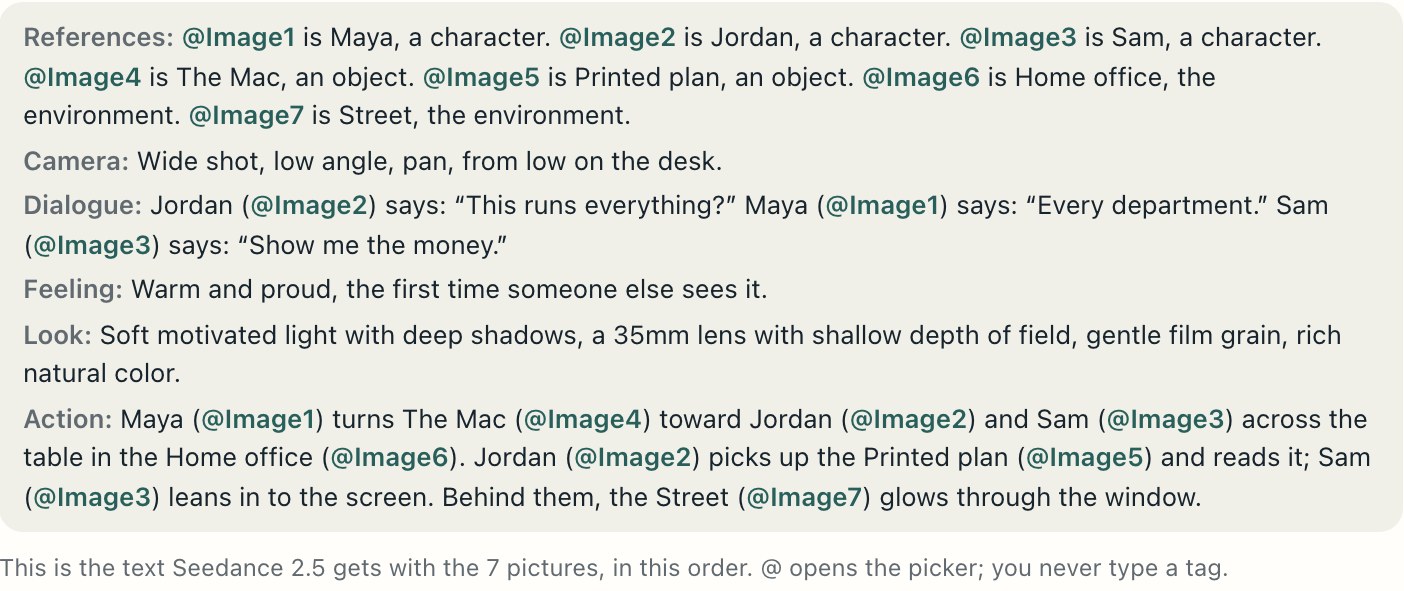
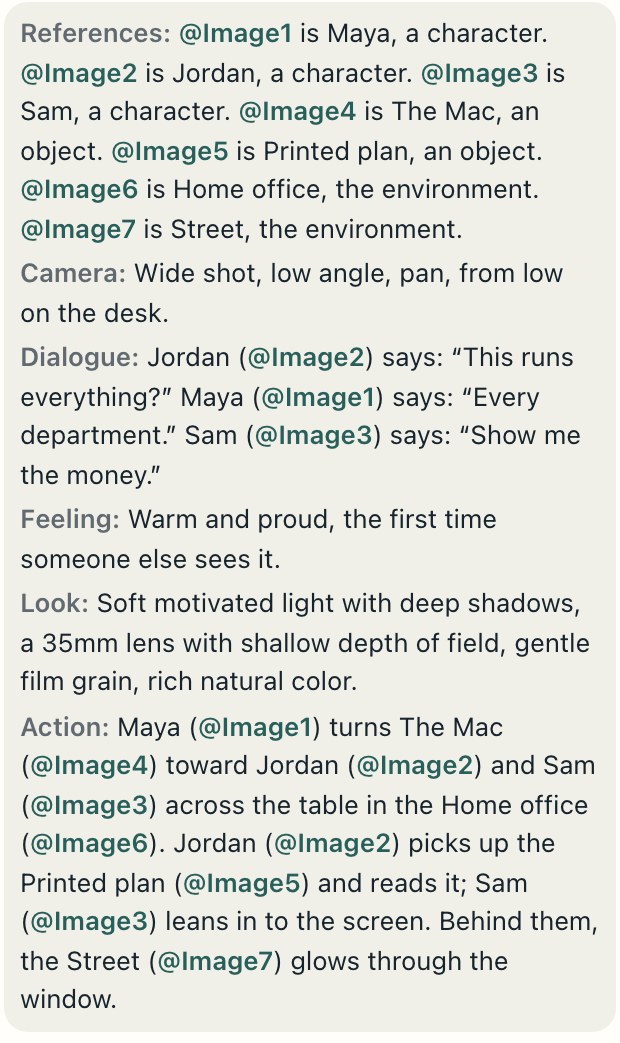
Each reference named and numbered, up to the model’s limit.
Camera direction for every shot.
Each line tied to who says it.
The mood, lighting, lens and grain that set your style.
What happens, with each reference named where it appears.
The script
Each video gets its own structure. Most build toward a clear payoff.
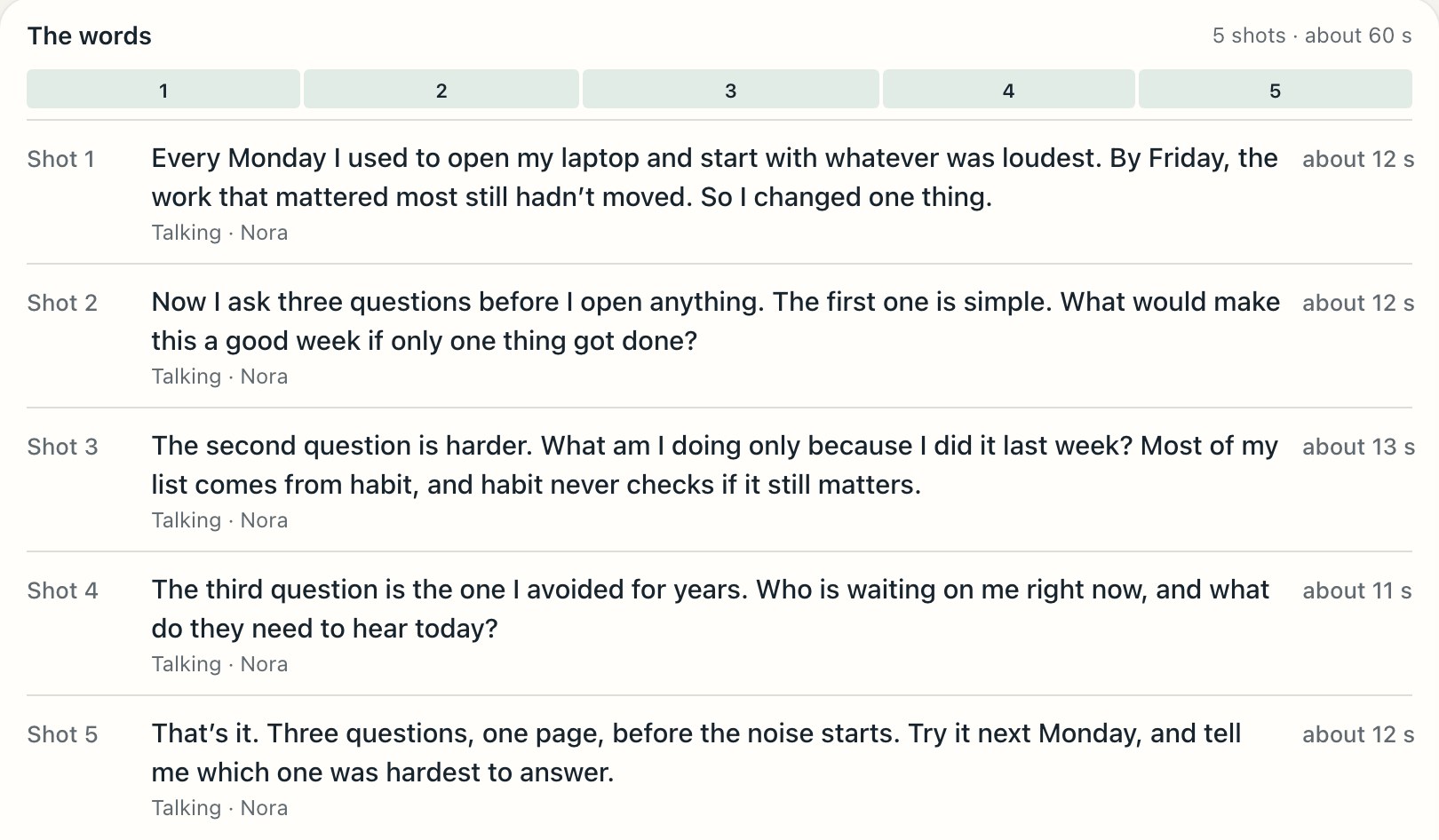
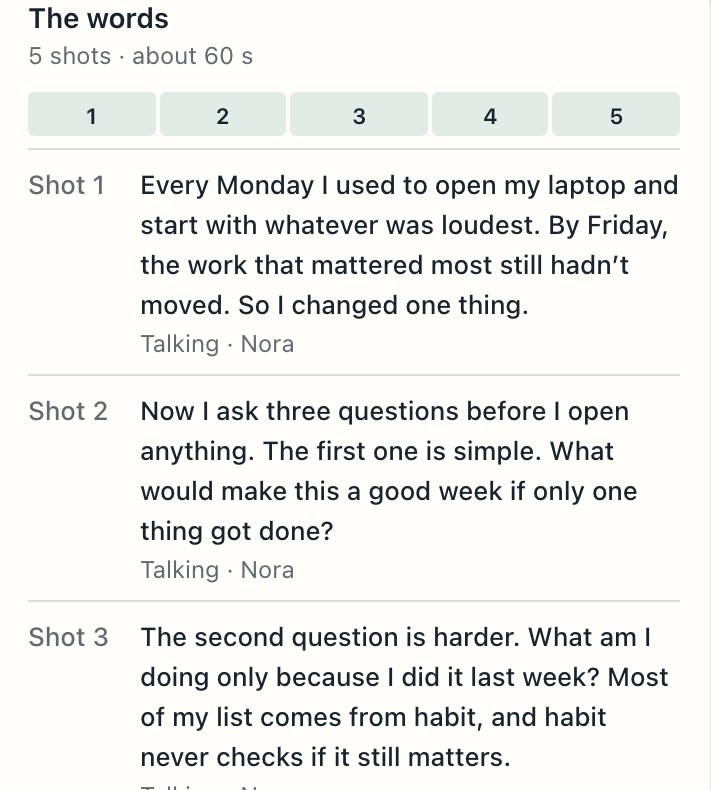
Five of the sixteen video types, with the structure each follows.
From a recording
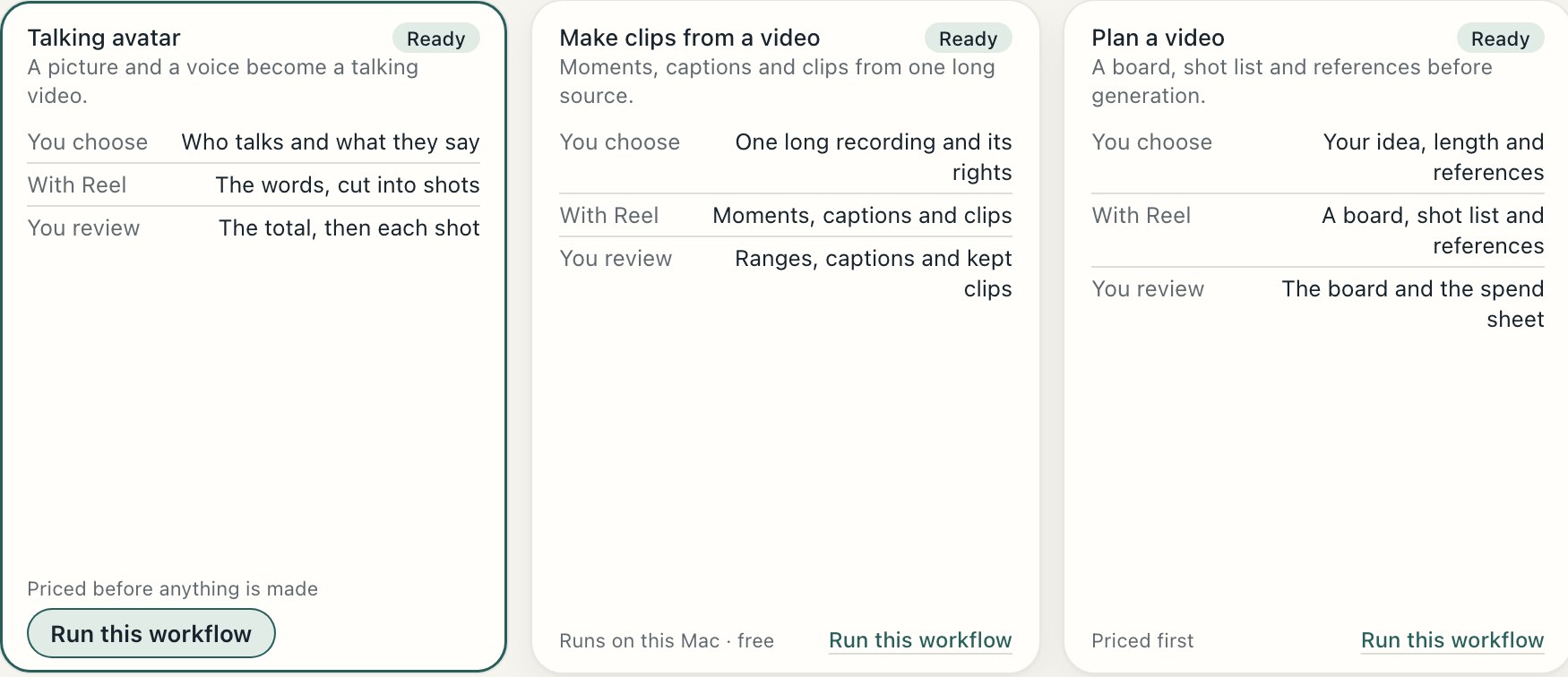
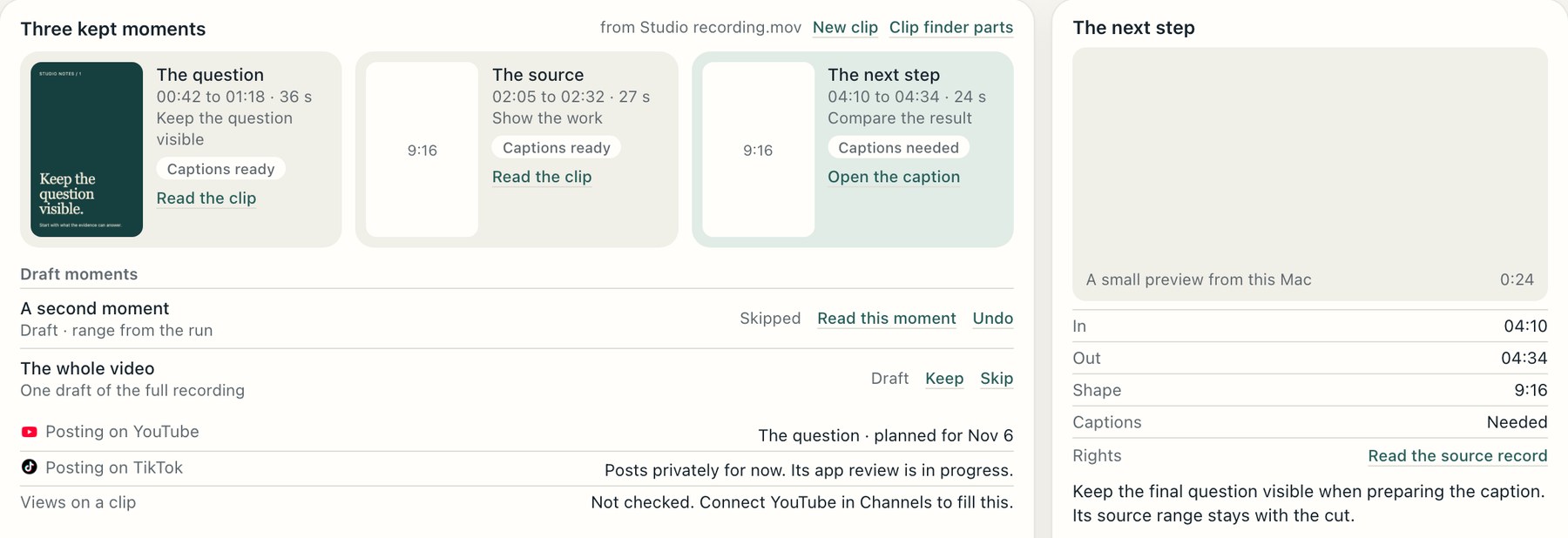
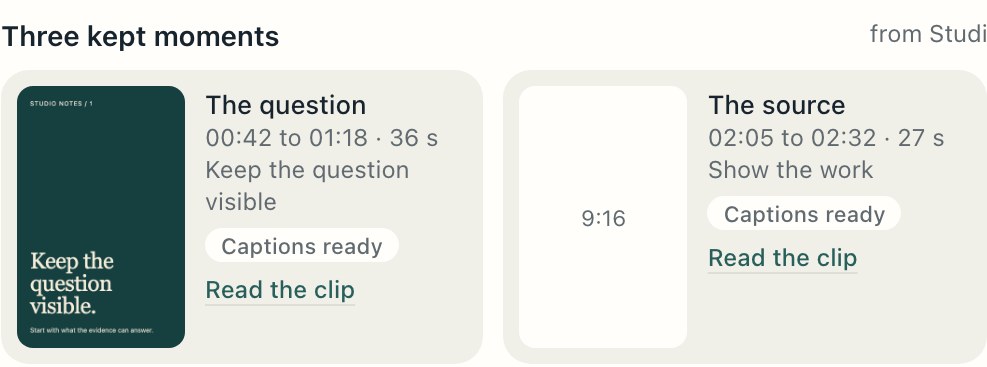
Review the moments The Desk finds. Keep, skip or trim each clip, with its source range attached.
Clips
Review each moment, keep or trim it, and bring its captions along.
Analytics
Views, likes and comments on YouTube, beside the videos they belong to.
What's working
Your newest videos by views, once Google approves The Desk. Examples from outside your own work come later.
Workflows
See every step, approval and cost before a workflow starts.
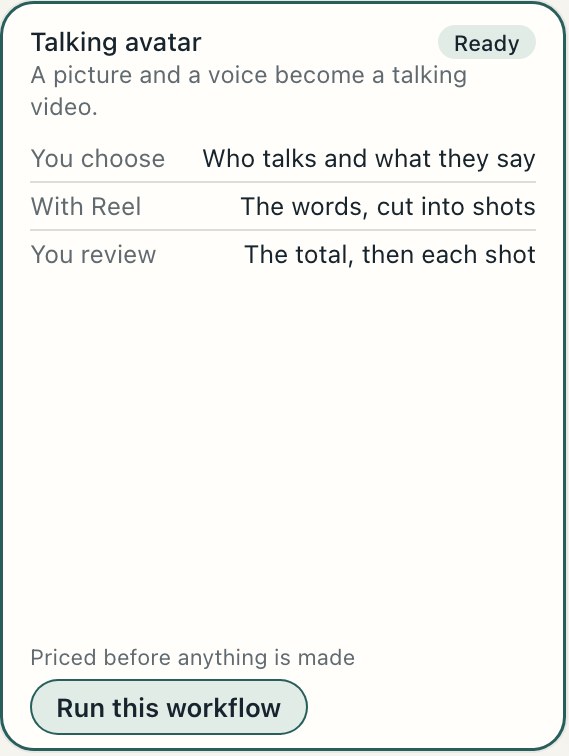
A picture and a voice become a talking video, cut into shots
A board, shot list and references before anything is made
Film and Marketing
Marketing, Film and Writing
Film and Writing
Research and Film
Platforms
Each connection has its own review status.
Posting and reading your numbers await Google’s approval of The Desk.
In reviewPosts stay private until TikTok approves The Desk. Your numbers come after approval.
In reviewConnection follows Meta’s approval.
ComingSee each platform’s status on the Platforms page.
ComingOne step
Choose the style. Review the script and shots. Decide what gets made.
The Desk is not out yet. Leave your email and we’ll let you know when it opens.
A Mac with Apple silicon and macOS 15 or later. Use your own Claude or ChatGPT access, or paid hosted runs.