WHAT STAYS
Keep the lessons worth repeating.
The Desk suggests lessons from your edits and shows how many pieces support each one. Keep a lesson for that department’s next task, or remove it at any time.
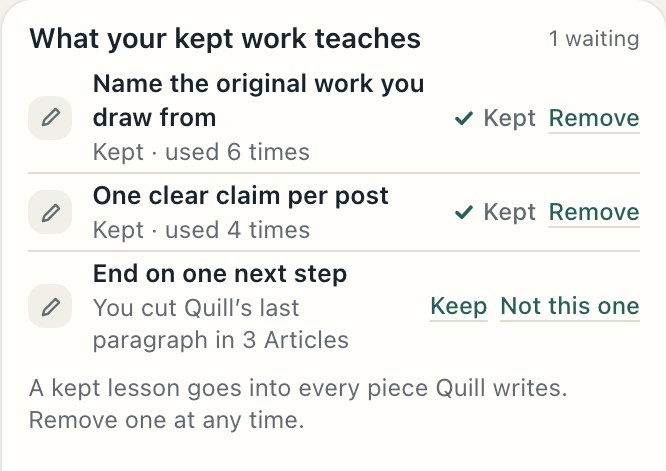
How it works · How The Desk learns
The useful part can get lost when a project ends. The Desk keeps results, sources and the lessons you approve ready for the next job.
The Desk is not out yet. Leave your email and we’ll let you know when it opens.
What comes back
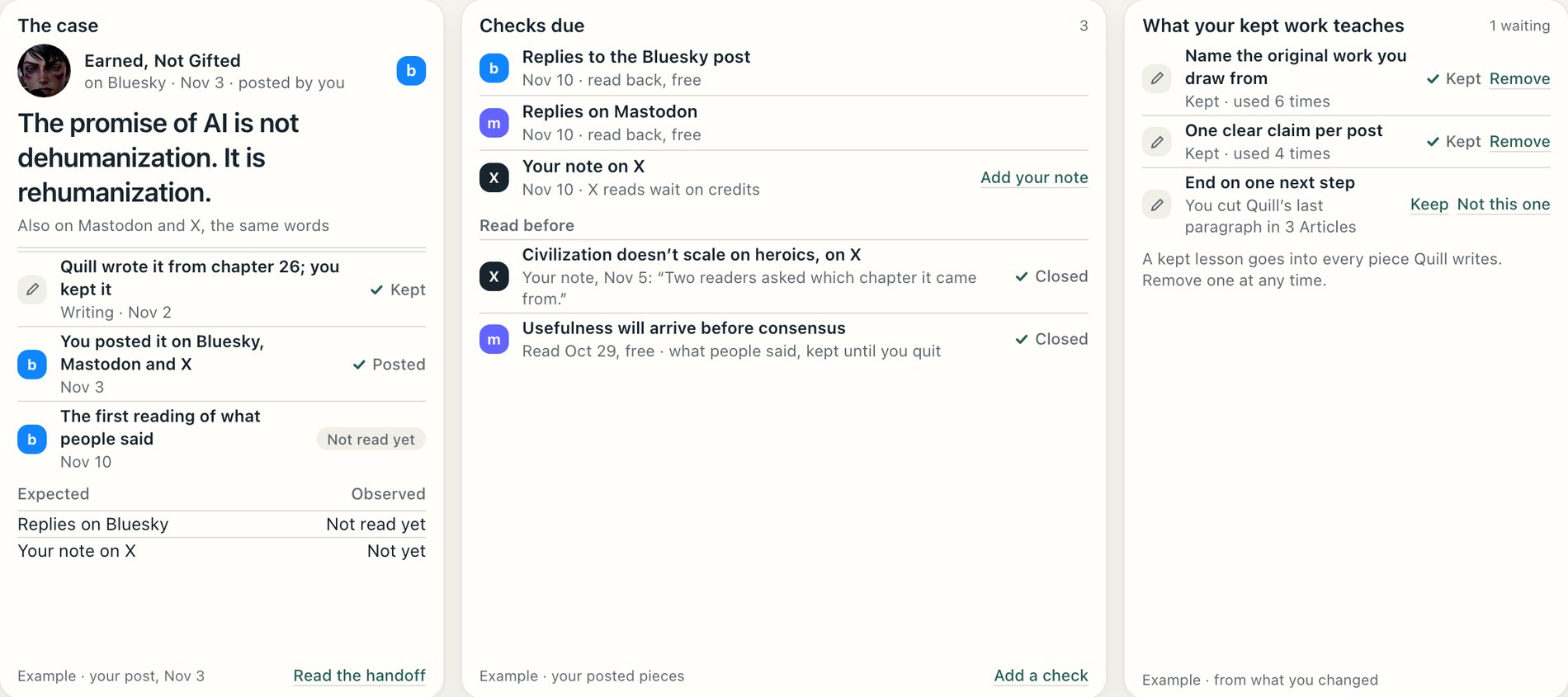
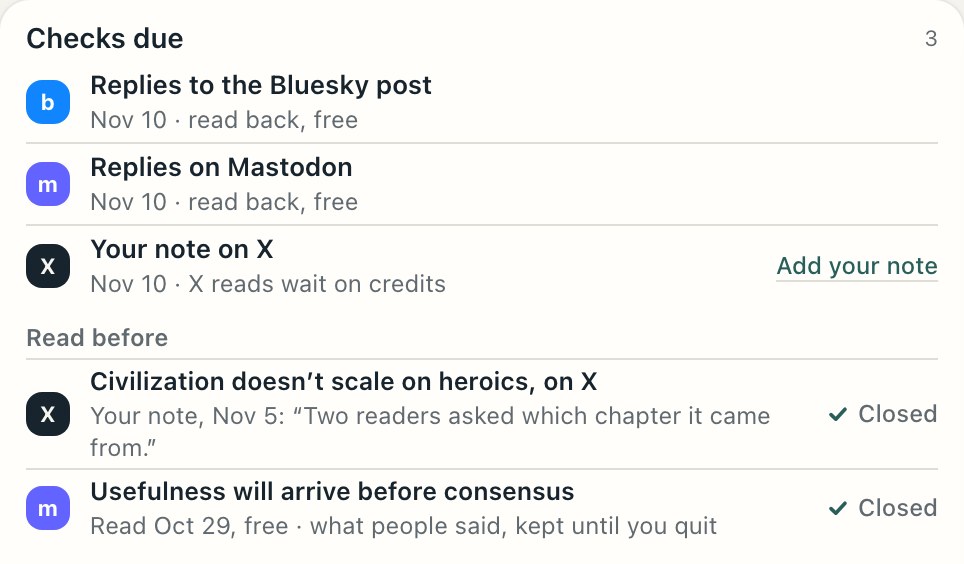
Each result shows its source and when it was read. Where a platform can’t be read, add your own note.
Read back on the day your check is due
At launchViews, likes and comments, once Google approves The Desk
In reviewFiles you bring in from your own ad account and store
At launchConnecting them directly, once each platform approves The Desk
ComingRead through X’s paid access
ComingAdd a note on anything The Desk cannot read
At launchThe Desk suggests lessons from your edits and shows how many pieces support each one. Keep a lesson for that department’s next task, or remove it at any time.
Research gives Writing a starting point. Finance tells Marketing which ad met your rule. The underlying financial figures stay in Finance.
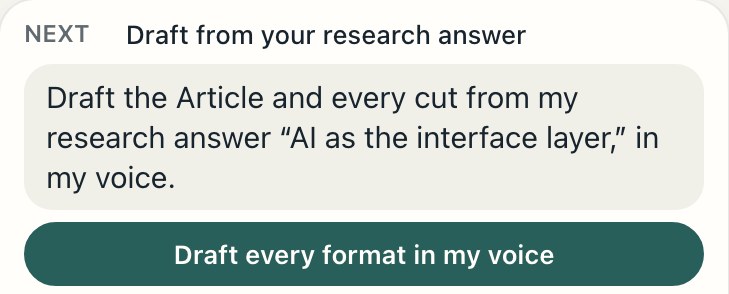
When an ad meets your rule, The Desk brings its angle and results to your next post or film. You decide whether to use them.
It needs an ad with enough tagged orders, 15 by default.
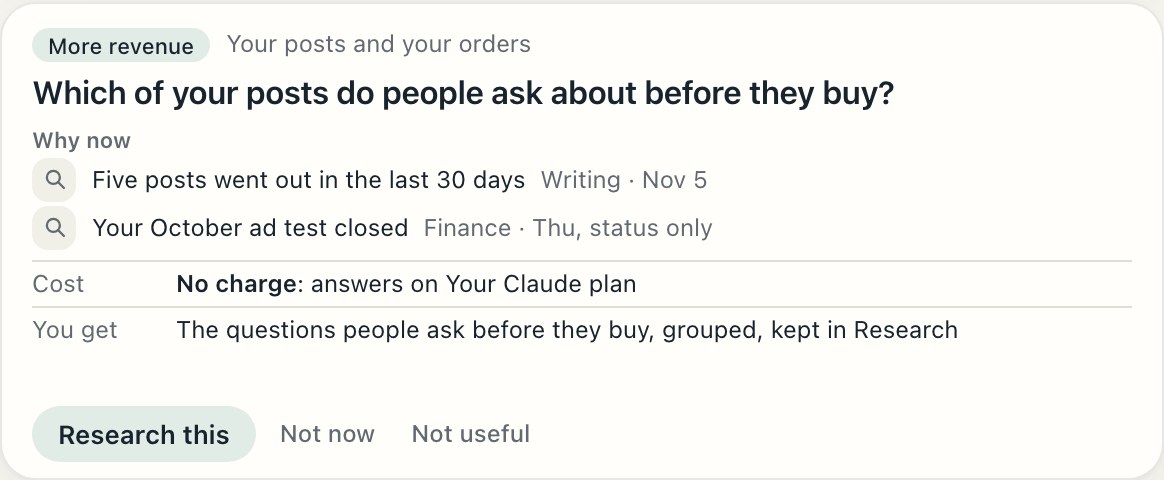
The Chief proposes up to four questions a week, with why each matters now, its cost and what you get. Private departments share status only.
Who decides
See what supports each suggestion. Nothing expands access, raises a limit or changes a rule on its own.
Where this is going
These features are Coming. They are not part of the launch.
Which handoffs led somewhere, which stalled, and what to change.
ComingExplore examples beyond your own work, see their evidence and create your own version.
ComingA one page charter you approve, then changes made under the rules you set, with a daily report you can stop.
ComingOne step
Set it up once on your Mac and hand it one real job.
The Desk is not out yet. Leave your email and we’ll let you know when it opens.
A Mac with Apple silicon and macOS 15 or later. Use your own Claude or ChatGPT access, or paid hosted runs.