The Desk Join the waitlist

How it works

Too many handoffs. One clear next step.

At launch, The Desk will carry a job from its brief through review and follow-up. Departments share the relevant work. You make the decisions.

The Desk is not out yet. Leave your email and we’ll let you know when it opens.

01

Set it up around you.

Tell The Desk what you make, who it is for and which folders to use. Your departments start with the context you share.
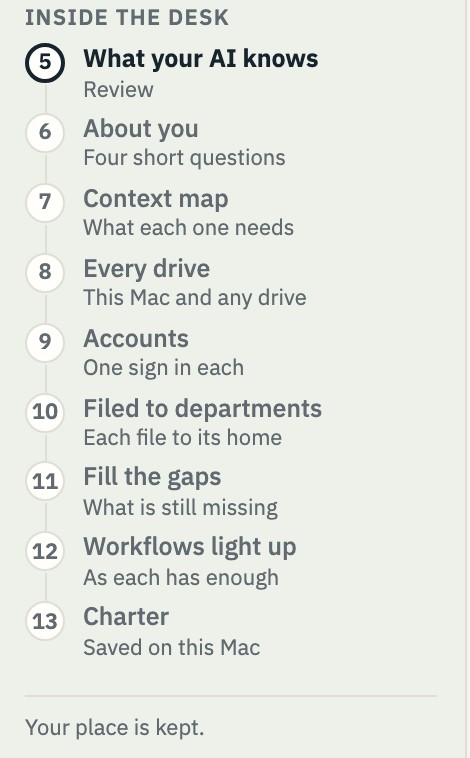
Setup’s list of steps, from What your AI knows through Charter. Example.
Setup's steps. Example.
02

Give it a real job.

Describe the result you want. Film develops the script and shots. Writing drafts from your sources.
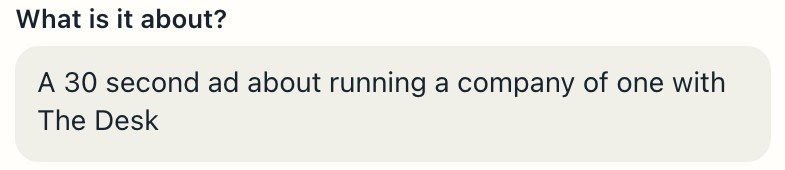
Film’s first question, What is it about?, with A 30 second ad about running a company of one with The Desk typed in. Example.
A sentence in Film’s first step. Example.
03

Review. Then approve.

Review the work and its sources. Edit, then approve. Before a paid task runs, see its maximum cost. You pay the actual cost.
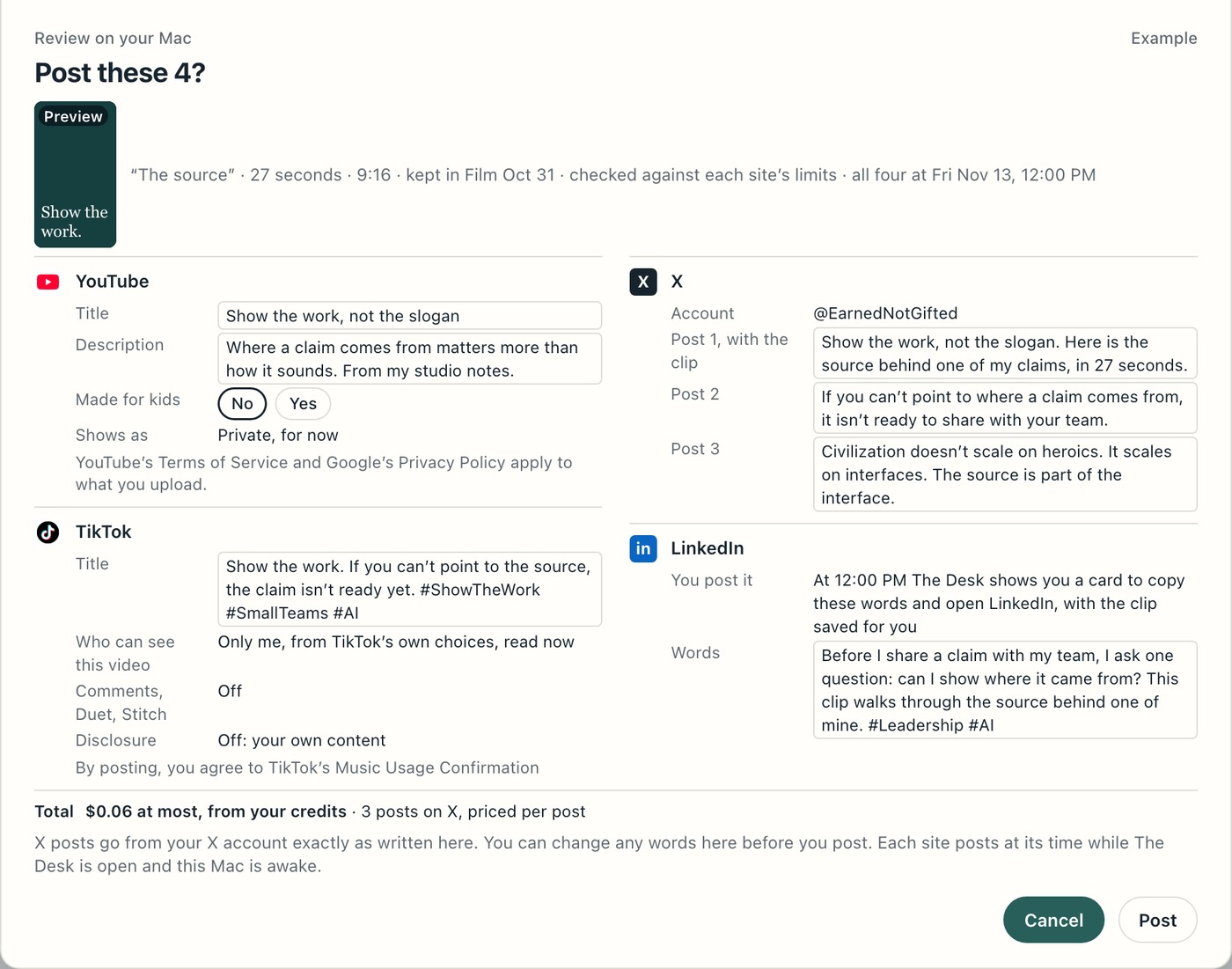
The review sheet on a Mac, titled Post these 4?, with the words for YouTube, X, TikTok and LinkedIn, the total, and Cancel and Post buttons. Example.
The review sheet on your Mac. Example.
04

See what happened.

Read replies where a platform allows it. Add your ad reports and orders. Results go back to the relevant department with their source and date.
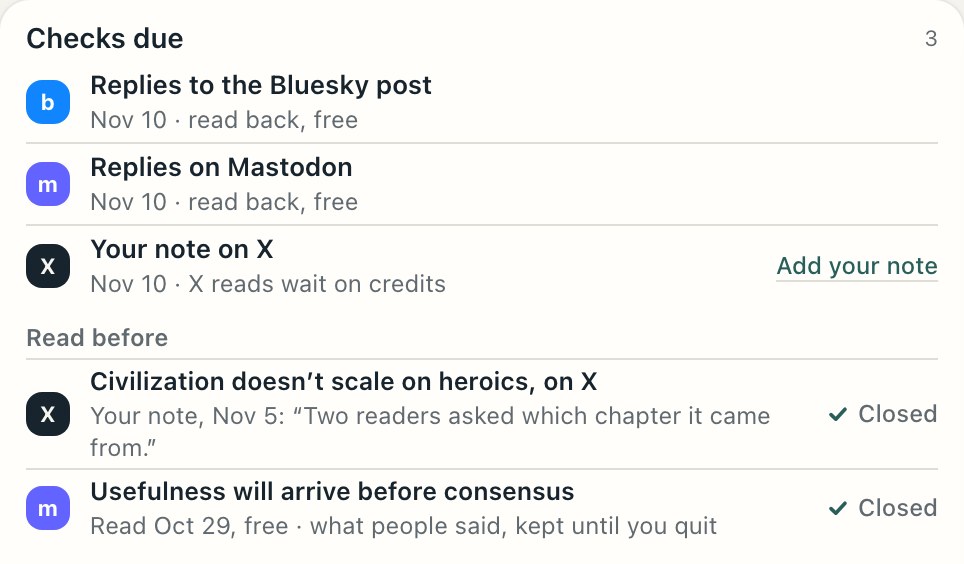
A list titled Checks due: replies on Bluesky and on Mastodon to read back on Nov 10, a note to add for X, and two earlier checks closed. Example.
The checks due on one post. Example.
05

Make the lesson count.

Keep a lesson for that department’s next task. Finance also tells Marketing which ads meet your rule.
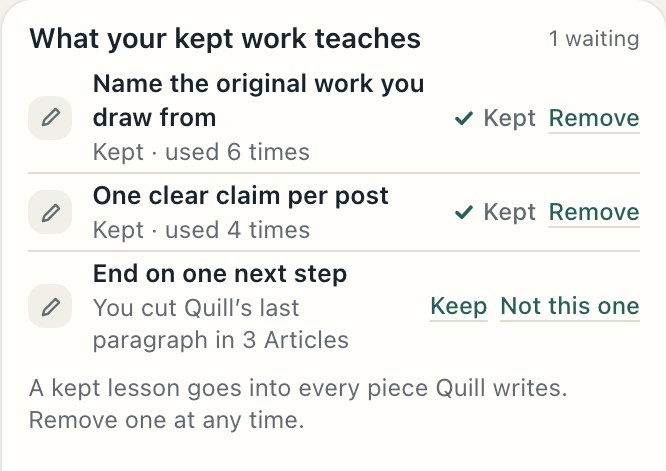
A list titled What your kept work teaches: two lessons kept and one waiting, with Keep, Not this one and Remove. Example.
What your kept work teaches. Example.
06

Choose what comes next.

The Chief suggests a question to investigate, with a reason and a cost. You choose whether to pursue it.
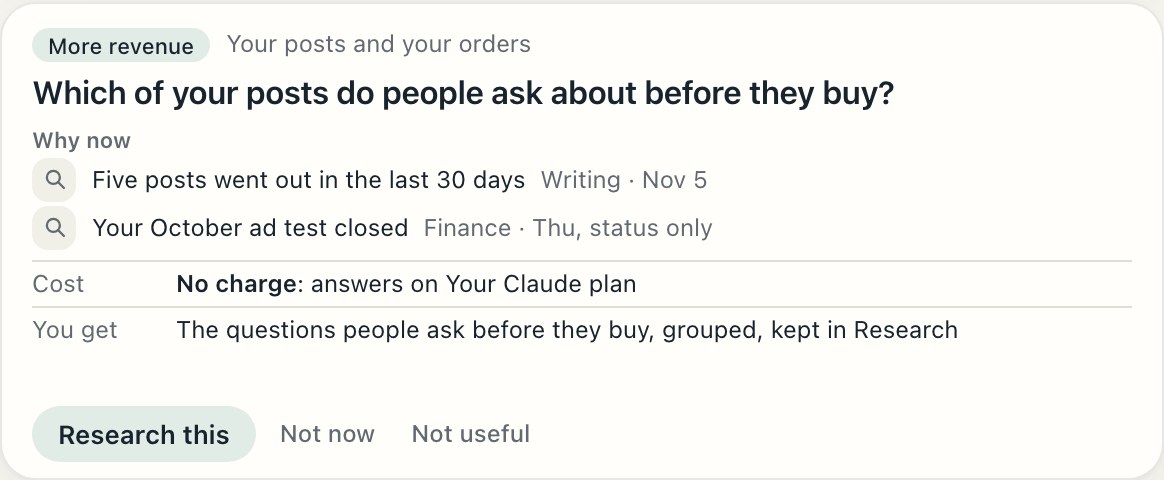
One of the Chief’s questions: Which of your posts do people ask about before they buy? It shows why now, what it costs, what you get, and Research this, Not now and Not useful. Example.
One of the Chief’s questions, with why now and what it costs. Example.

Inside the loop

From a brief to something useful.

Each workflow connects the steps and keeps a record of the job.

Publish clips from one recording, where each platform allows it

Film and Marketing

At launch

Turn your sources into articles, threads and posts

Writing

At launchOpen

Build a video from one sentence, shot by shot

Film

At launchOpen

A talking avatar from a picture and a voice

Film

At launchOpen

Review a video and its words in one place

Marketing, Film and Writing

At launch

Prepare ad files, upload them and review the results

Marketing and Finance

At launch

Research a question for your next video

Research and Film

Coming

What stays with you

You decide. Your records stay on your Mac.

Before approvalYou decide what is kept or sent.
Your recordsYour records stay on your Mac; you choose which model sees each task.
The modelYour Claude or ChatGPT access, or paid hosted runs.
Before a paid taskSee the maximum cost, then decide whether to proceed.
What it learnsKeep or remove each lesson.

One step

Bring one real job.

Set it up once on your Mac and hand it one real job.

The Desk is not out yet. Leave your email and we’ll let you know when it opens.

A Mac with Apple silicon and macOS 15 or later. Use your own Claude or ChatGPT access, or paid hosted runs.